SUBDERMAL IMPLANTS
テーマTHEME
相談するCONSULT
製品PRODUCTS
ガイドGUIDE
会社情報COMPANY
アプリ / Apex Manager iOS版APP / APEX MANAGER FOR iOS

Apexの中身を、iPhoneでYour Apex, on your iPhone

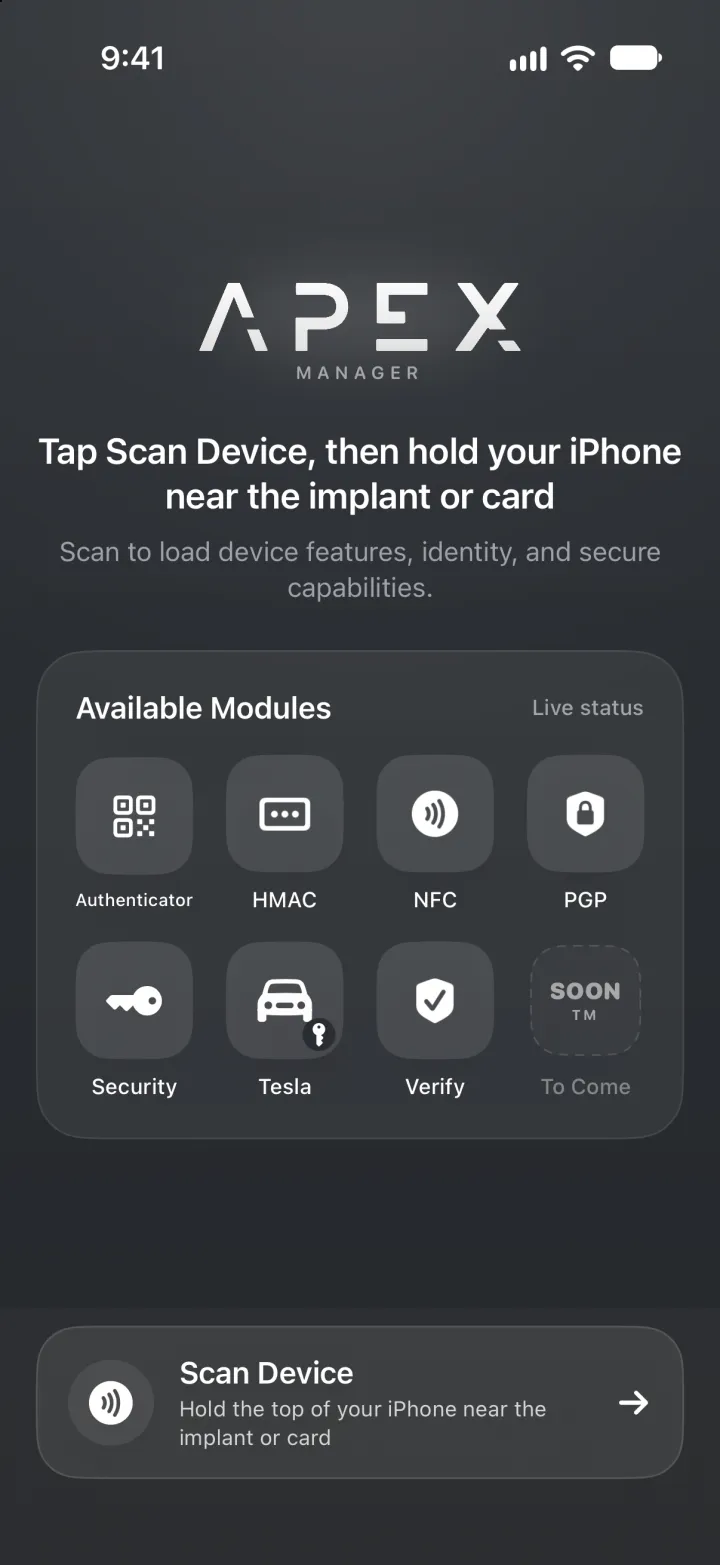
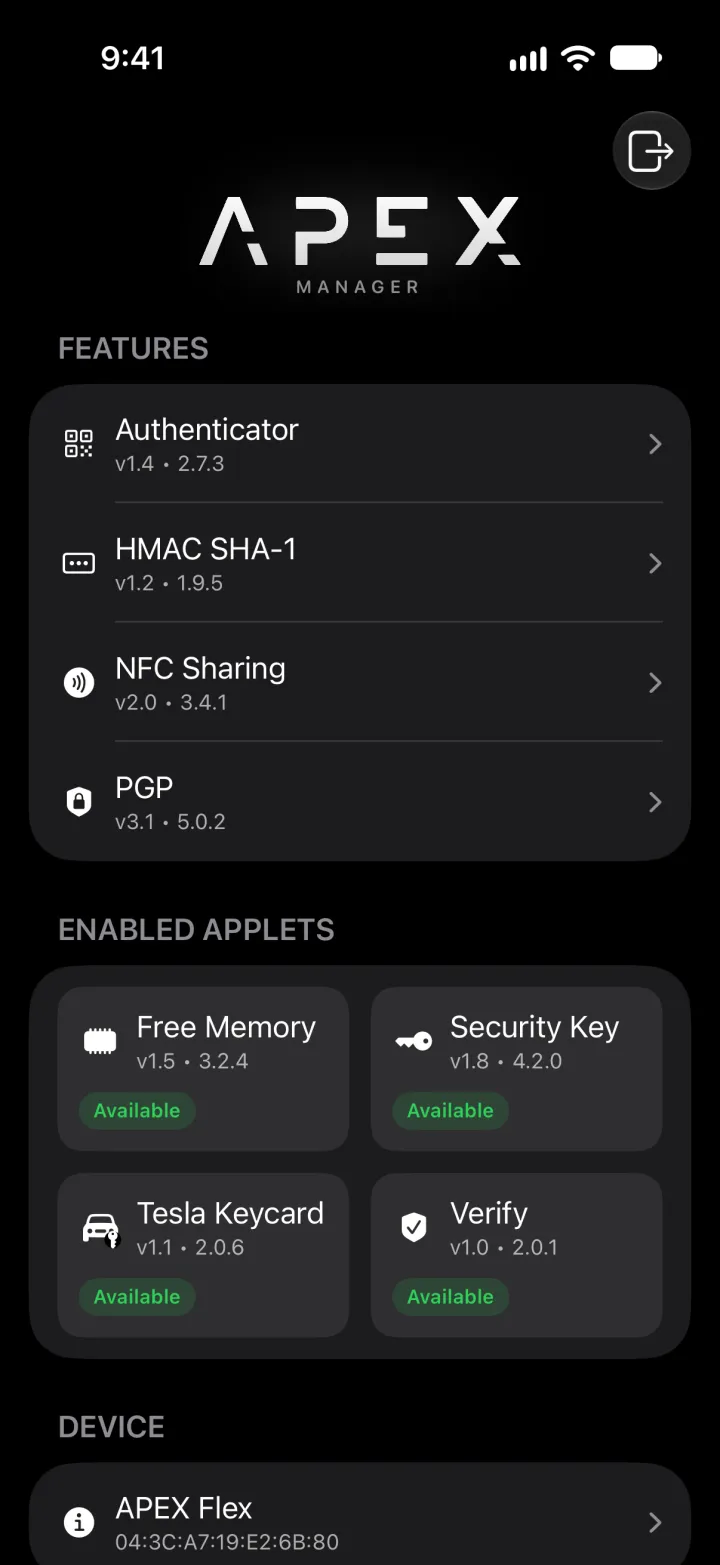
iPhoneをApexにかざすと、中身が見えます。入っているアプレット、ワンタイムコード、HMACキー、名刺、OpenPGPの鍵、残りのメモリ。VivoKey Japanが日本で開発し、日本語と英語に対応しています。App Storeで近日公開。Hold your iPhone to your Apex and see what is on it: the applets, your one-time codes, your HMAC keys, your business card, your OpenPGP key and how much memory is left. Built in Japan by VivoKey Japan, in Japanese and English. Coming soon to the App Store.

対応OSPLATFORM iOS 18以降iOS 18 or later表示言語LANGUAGES 日本語 / 英語Japanese / English対応製品FOR Apex収集するデータDATA COLLECTED なしNone

App Storeで近日公開Coming soon on the App Store

Android版をGoogle PlayでAndroid version on Google Play

できることWHAT IT DOES

ApexについてABOUT APEX →

それぞれの画面は、Apexにすでに入っているアプレットを扱います。アプレットの導入はFidesmoアプリで行い、Apex Managerはそれを確認して管理する場所です。Each screen works with an applet that is already on your Apex. Adding applets to the chip is done in the Fidesmo app; Apex Manager is where you see and look after them.

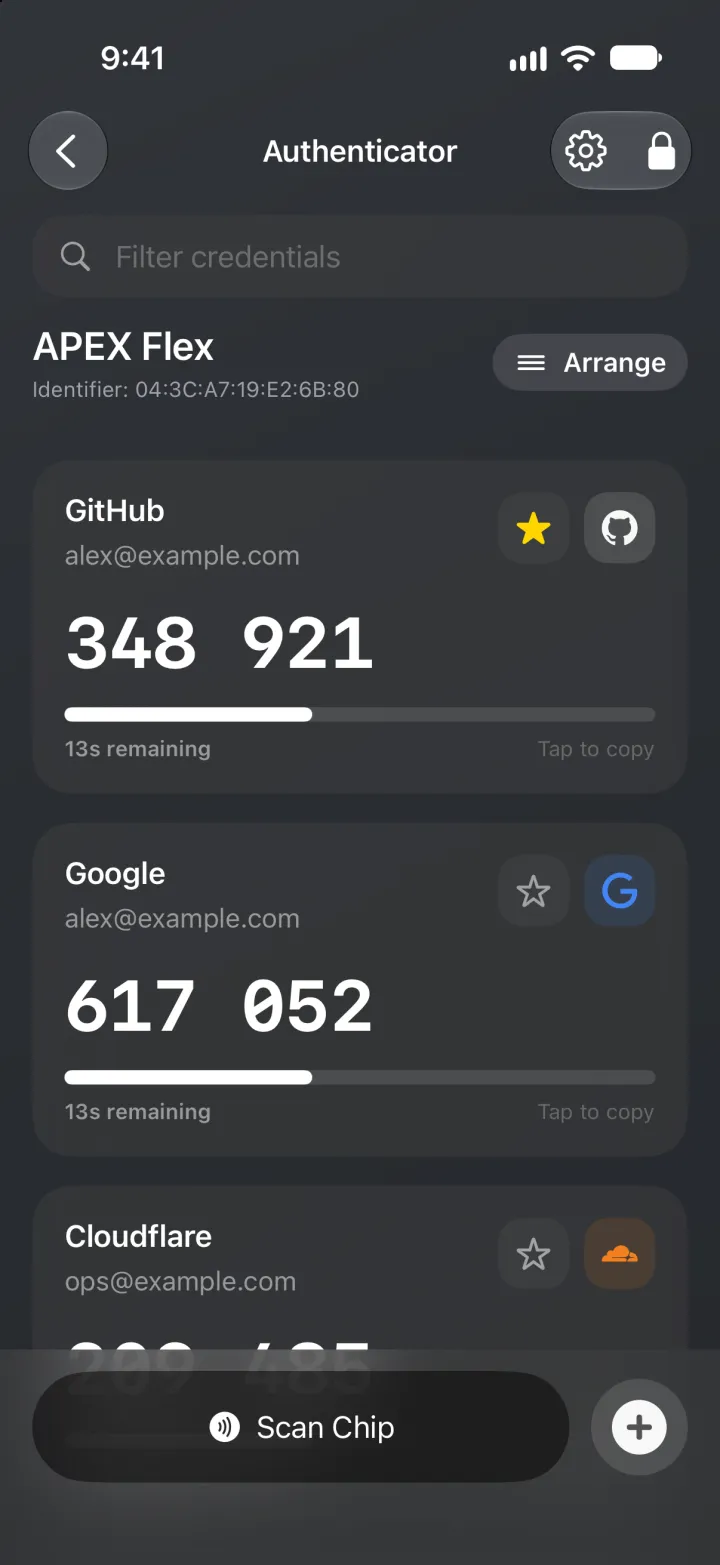
ワンタイムコードOne-time codes

2段階認証の6桁のコードを、スマートフォンではなくチップの中に。大きな数字、残り時間のバー、よく使うものは上に。The six-digit codes for two-step sign-in, kept on the chip instead of on the phone. Large codes, a live countdown, favourites at the top.

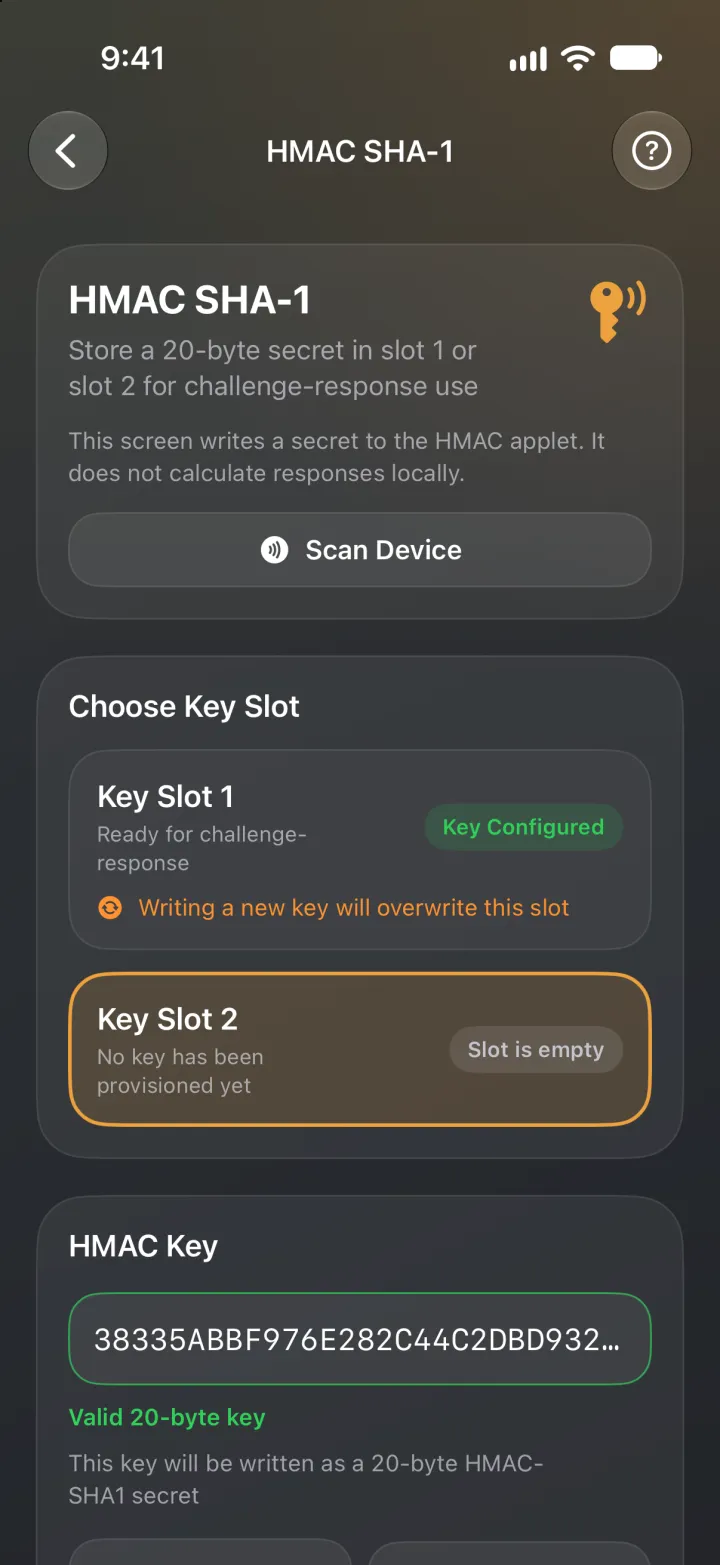
HMAC

スロット1か2に秘密の鍵を入れます。KeePassXCなどのソフトがチップに問いかけ、その鍵でしか出せない答えを受け取るので、パスワード保管庫を開くのに手が必要になります。Put a secret in slot 1 or 2. Software such as KeePassXC can then ask the chip a question that only that secret answers, so a password vault needs your hand to open.

NFC名刺NFC business card

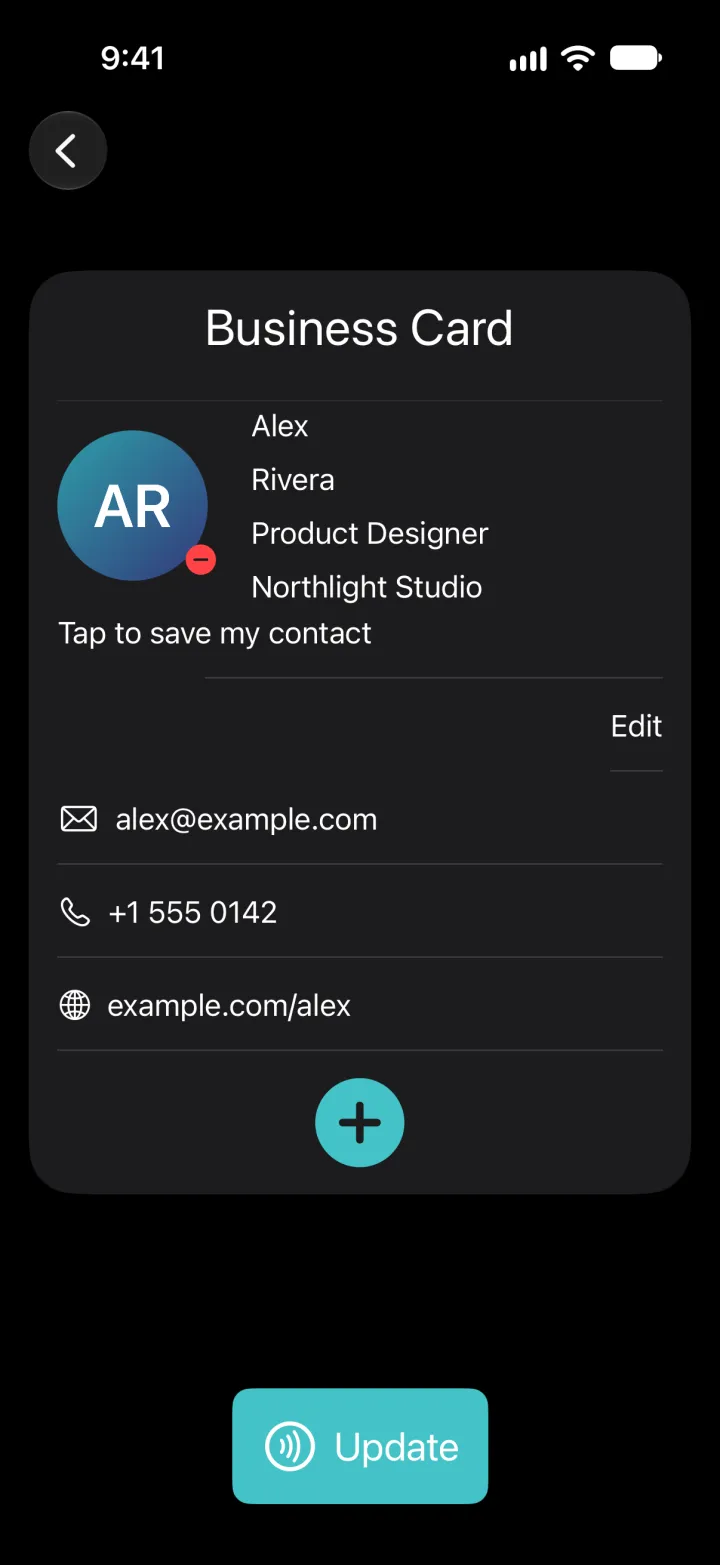
名前、役職、連絡先、写真をチップへ書き込みます。かざした相手のブラウザに名刺が表示されます。チップにある他のリンクはそのまま残ります。A name, a title, contact details and a photo, written to the chip. Anyone who taps it sees your card in their browser. Other links already on the chip are kept.

OpenPGP

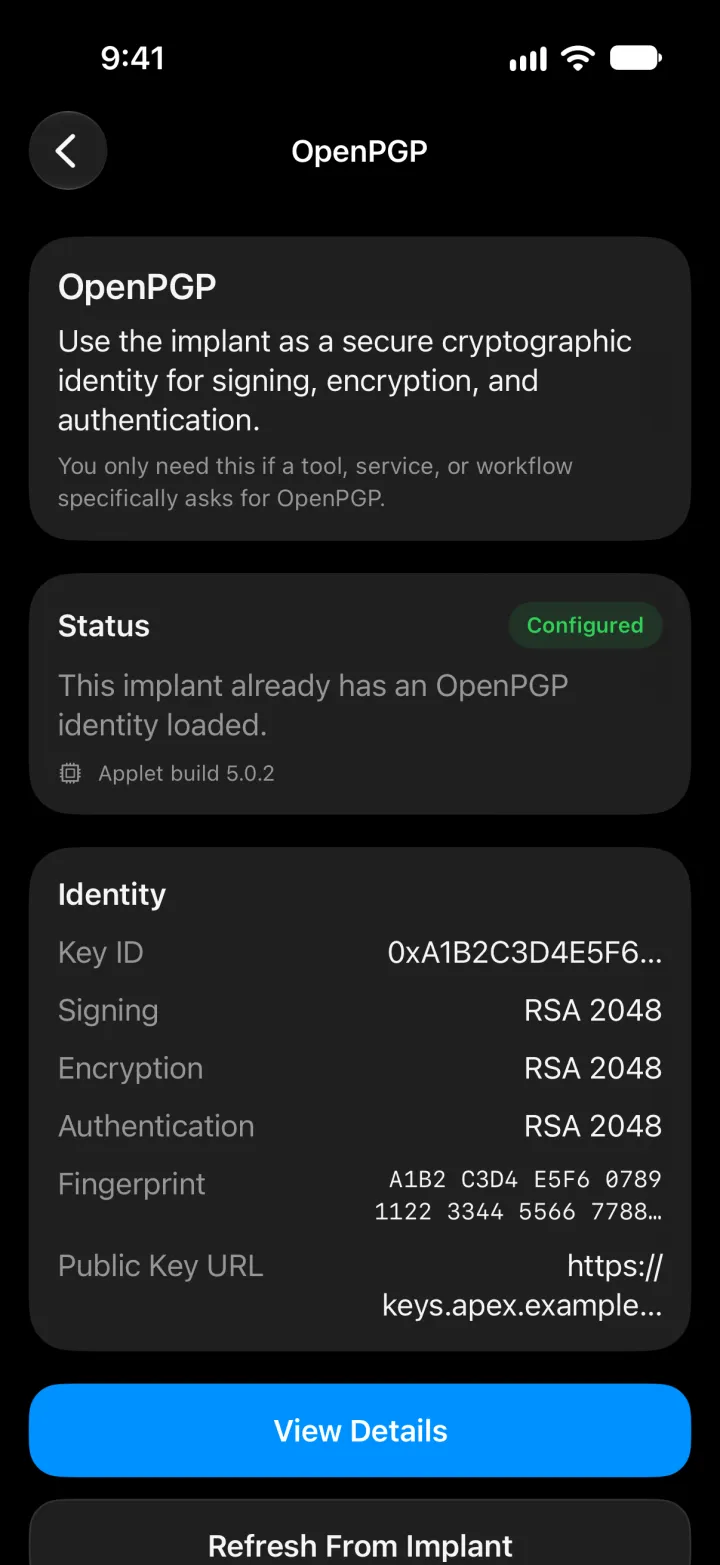
メールやファイルの署名と復号に使う鍵の設定と確認、PINの管理。鍵そのものはチップの外に出ません。Set up and inspect the key that signs and decrypts email and files, and manage its PINs. The key itself never leaves the chip.

マイデバイスMy Device

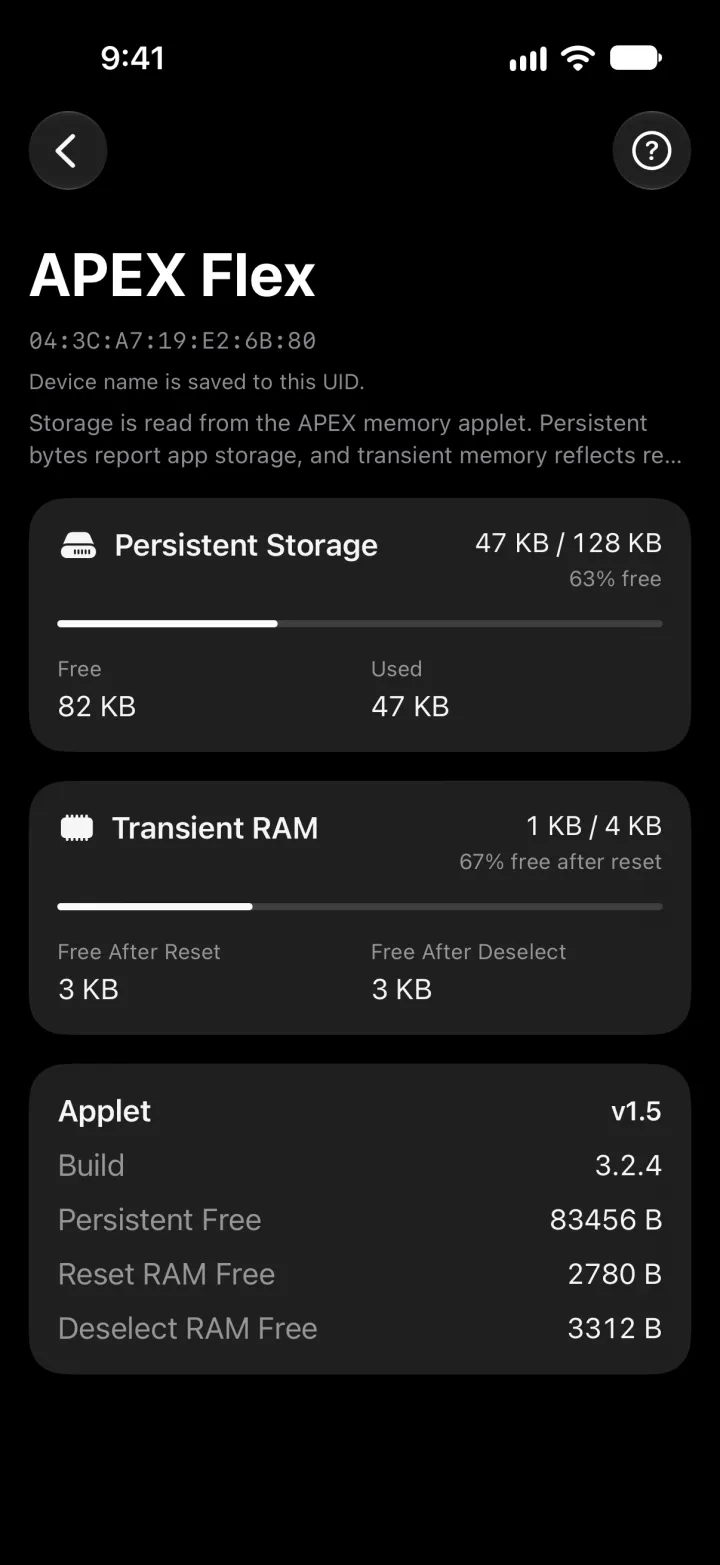
ストレージとメモリの残り、入っているアプレットのバージョン、チップごとの名前。UIDを覚えておく必要はありません。How much storage and memory is left, which applet versions you have added, and a name for each chip so you are not reading UIDs.

アプリの画面THE APP

画面はサンプルデータです。The screens show sample data.

プライバシーPRIVACY

Apex Managerはデータを収集しませんApex Manager collects no data

アカウント、アクセス解析、トラッキングはありません。チップから読み取った内容や、アプリでの設定(チップにつけた名前も含む)は、iPhoneの中に保存されます。VivoKey Japanには何も送られません。The app has no accounts, no analytics and no tracking. What it reads from your chip, and what you set in it, including the names you give your chips, stays on your iPhone. VivoKey Japan receives none of it.

名刺についてThe business card

名刺は、Android版と同じ形式のvivokey.socialのリンクとしてチップに書き込まれます。名刺の中身はリンクの「#」より後ろにあり、この部分はブラウザからサーバーへ送られません。VivoKey Technologiesが運営するvivokey.socialが、読み取った人のブラウザで名刺として表示します。A card is written to your chip as a vivokey.social link, the same format as the Android app. The card itself sits after the "#" in that link, a part a browser never sends to a server; vivokey.social, run by VivoKey Technologies, turns it back into a card inside the reader's own browser.

Appleから届く情報What Apple shares with us

すべてのApp Store開発者と同じく、Appleが提供するダウンロード数と匿名のクラッシュレポートを、Appleのプライバシー規約の範囲で確認できます。そこにあなたやチップを特定する情報は含まれません。Like every App Store developer, we can see the number of downloads and anonymous crash reports that Apple provides, under Apple's own privacy terms. Nothing in them identifies you or your chip.

このセクションが、iOS版Apex Managerのプライバシーポリシーです。VivoKey Japanのウェブサイトとサービスについては、プライバシーポリシーをご覧ください。This section is the privacy policy for Apex Manager for iOS. For VivoKey Japan's website and services, see the privacy policy.

サポートSUPPORT

アプリの使い方、チップが読み取れない、表示がおかしいなど、公式LINEでご相談ください。日本語でも英語でも大丈夫です。iPhoneの機種とiOSのバージョン、どの画面だったかを添えていただけるとスムーズです。Questions about the app, a chip that will not read, or something that looks wrong: ask us on the official LINE, in Japanese or English. Tell us your iPhone model and iOS version, and which screen you were on.